
Setup your development
Required Softwares
To Build Hibernate Applications, you need the following:
- Java Integrated Development Environment (IDE)
- Database Server (MySQL server)
- Hibernate JAR files and JDBC Driver
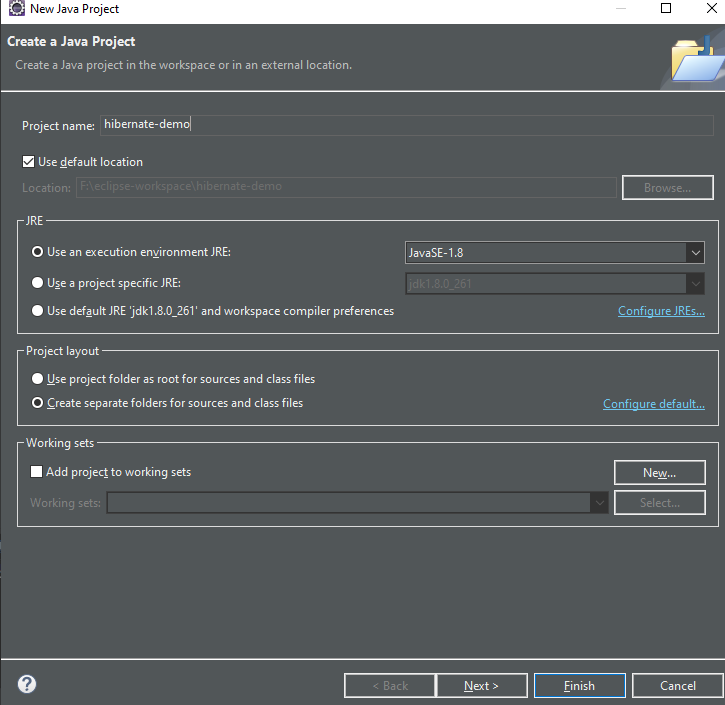
Create a new Java project
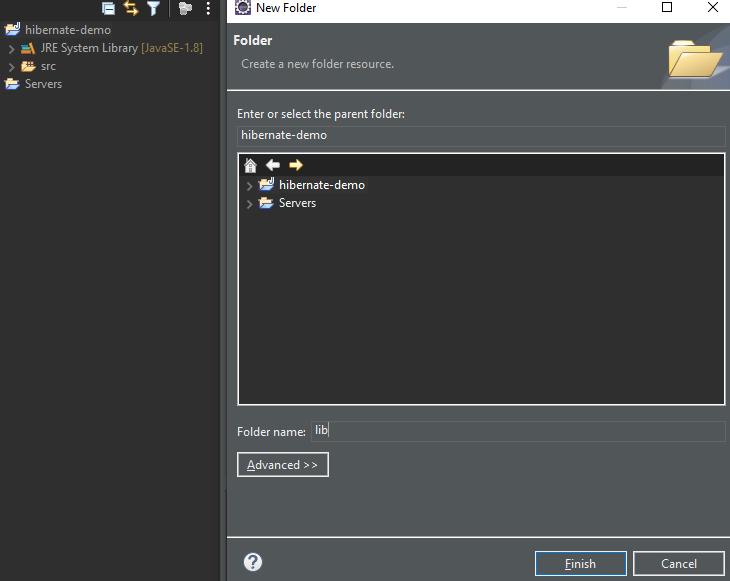
Create a new folder “lib” for Hibernate jar files
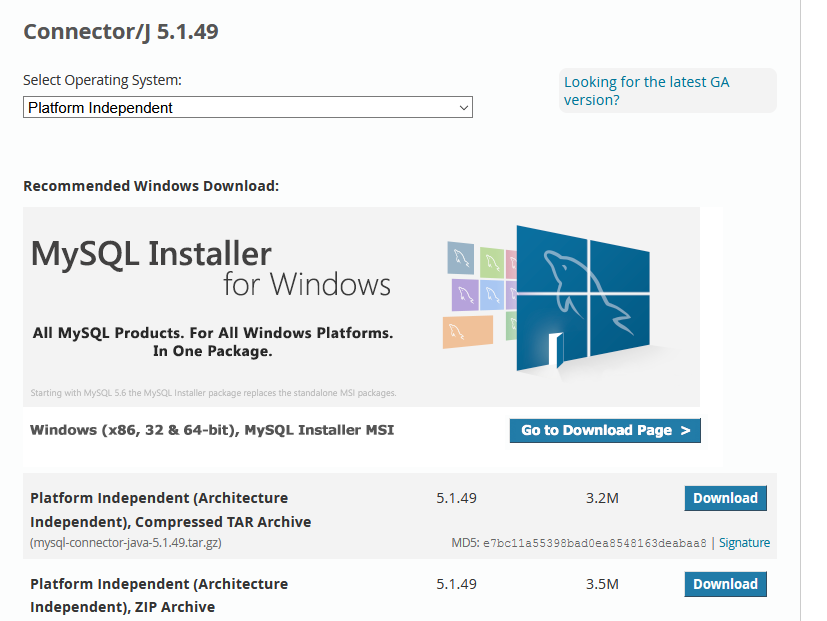
Download Hibernate ORM zip form hibernate.org
Now download JDBC drivers (Connector/J) zip from link below:
https://dev.mysql.com/downloads/connector/j/5.1.html
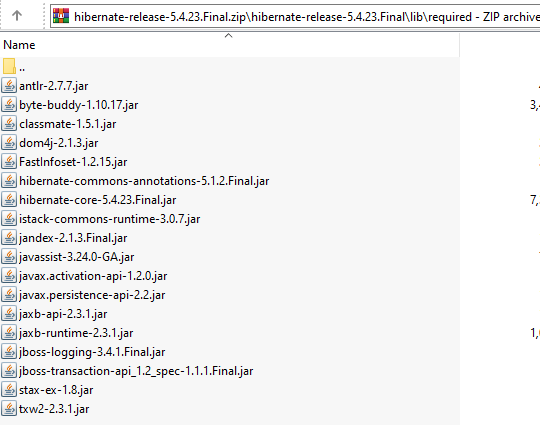
Copy jars from the hibernates lib/required folder to lib folder of the java project
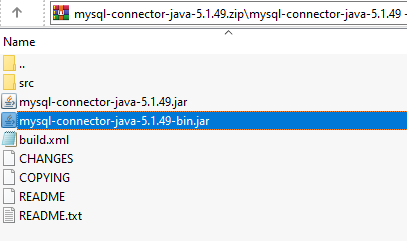
Next copy the connector jar into the lib folder
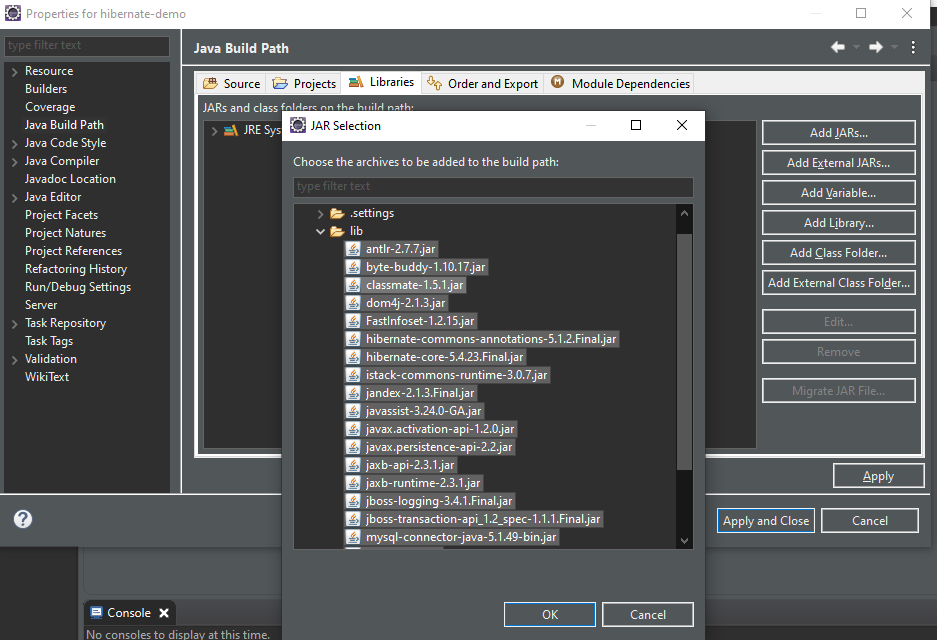
Now effectively add these jars file to the project class path by right clicking > properties > Libraries > Add JARS.
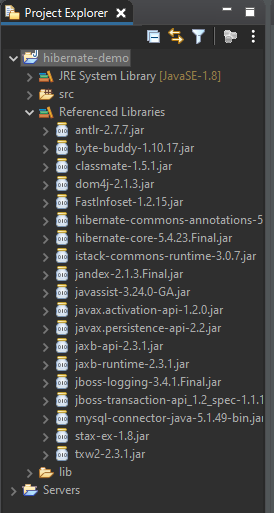
After adding reference to the class path, you will see the “Reference libraries” folder holding all the jars files which we added recently.
Testing JDBC connection
Create Simple JDBC program

 KvT Tech